
Fan comic artists: auto-storyboarded short fan comics
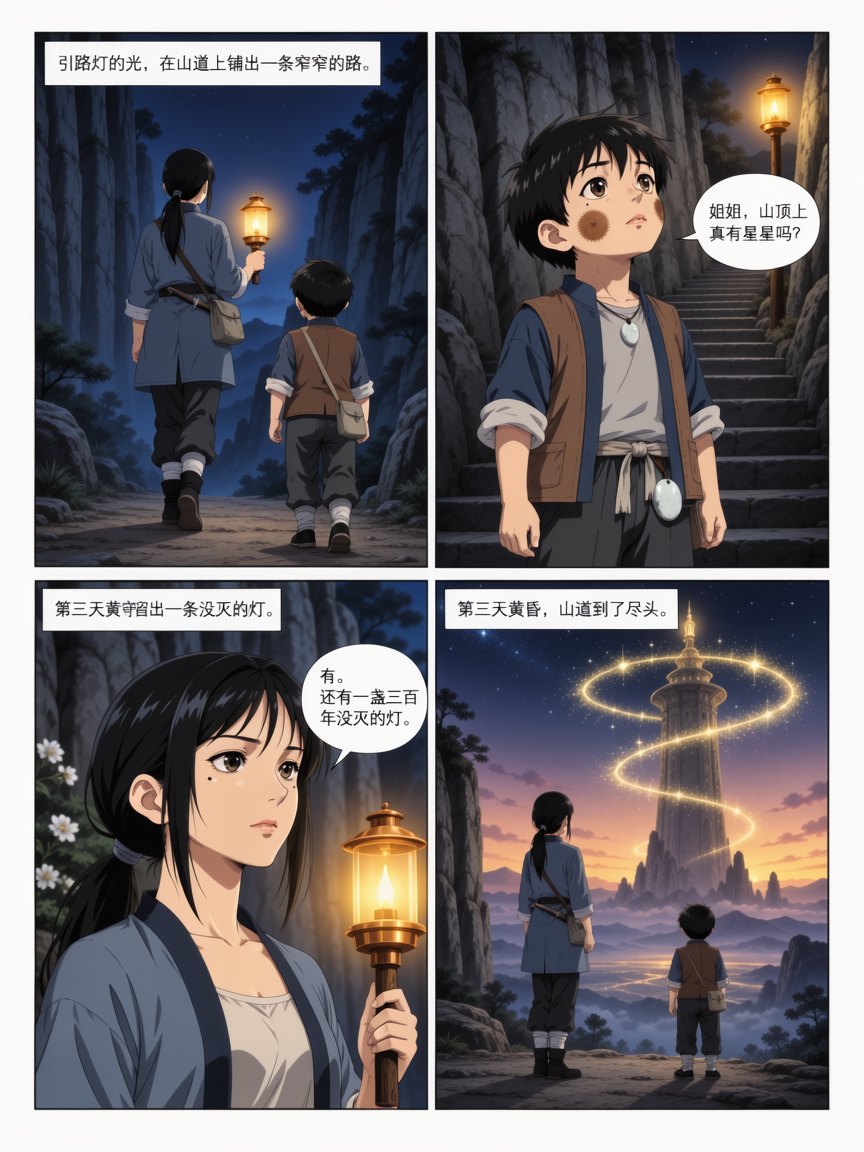
Describe the fan story and each character's look precisely and Comic Studio storyboards and renders it. Page count and panels per page are set by length, and hair, outfits and accessories are locked down to stop characters drifting between pages.
Open Comic Studio with this scenario's settings pre-filled40 credits at signup · 10 free standard images per day · credits never expire
Three samples
Anything marked "Generated here" is an in-house sample, not a user work. Placeholder cards state which asset is missing.


How to use it
- 1Lock down both characters' hair style, hair color, eyes and full outfit in the input first.
- 2Paste in the plot synopsis and mark the key lines that must be kept.
- 3Approve the storyboard, then generate and check each page for character drift.
Related scenarios
Web novel authors: one chapter in, a full-page comic outPaste a chapter synopsis into Comic Studio and it splits the storyboard, renders a cover and interior pages, keeps characters and outfits consistent across the whole book, and exports the finished book as a single PDF.Social media creators: one post, split into comic panelsHand a hundred-word post to Comic Studio and it splits the panels and writes the dialogue, with page count and panels per page set by length — a fit for Instagram carousels, X threads and blog posts.Fan creators: visuals for a song you loveTake a track from your own collection, pair it with generated characters and scenes and make a fan MV — keep it to personal sharing and label it as fan-made.
Pricing basis2 credits base + 1 credit per 2 pages, rounded up (a 12-page book including the cover renders for 8 credits ≈ $0.10); auto-storyboard adds 1 credit per 5 pages, and a 12-page full pipeline totals 11 credits (≈$0.14). Page count is set by the system from the length of your text.
Free allowance40 credits at signup; 10 free standard images per day; credits never expire
See plans and top-up packs